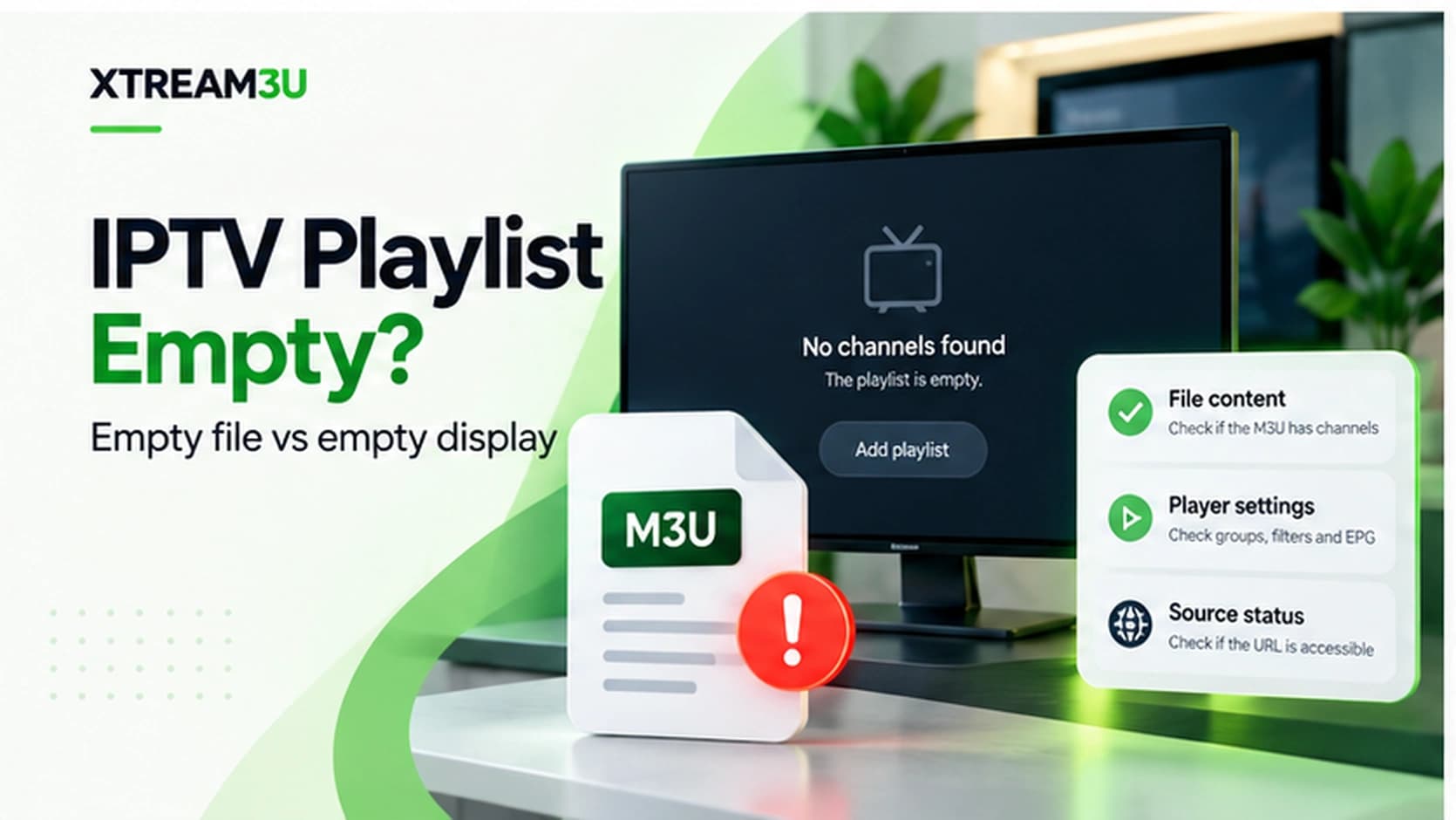
The two-minute split: empty file vs empty display
“Empty playlist” means one of two completely different things, and the fix depends entirely on which: A) the file itself contains zero entries (valid header, nothing after it), or B) the file has entries but the player shows nothing. Distinguish them first: run the URL through the IPTV test and read the entry count. Zero means case A, so keep reading here. Non-zero means case B: jump to the general diagnosis order, because the list is fine and something downstream is hiding it.
Case A: the file is genuinely empty
A valid #EXTM3U header with zero EXTINF-plus-URL pairs parses “successfully” into nothing. The format is fine; there is simply no content. Causes, in likelihood order:
- Wrong variant file. Large collections split by country, category, and language, and not every slice is populated at every moment. A region file with no current entries imports as nothing. Fix: step to the adjacent variant (the international index or a neighboring country or category file) and compare entry counts.
- Token-scoped emptiness. Some provider-issued URLs return a valid-but-empty list when the token expired, instead of an honest 403. The file shape says “fine,” the content says “nothing.” Fix: re-export a fresh URL from the source and compare counts before and after.
- Regeneration window. Public lists regenerate on schedules; a fetch mid-regeneration catches an empty file. Fix: re-test after an hour. If entries return, the list was never broken.
- Filtered export. Generators with bouquet or favorites filters produce empty output when every entry was filtered out (wrong selection, empty favorites export). Fix: re-export with default scope and confirm the count jumps.
- Source-side retirement. The source stopped maintaining this file. Fix: none for this URL. Move to an alternative list rather than re-tuning players.
Confirmation protocol: same URL, two checks an hour apart, plus the adjacent variant. Empty, empty, populated means the variant is the problem. Empty three times across variants means the source is the problem.
Case B: entries exist but the player shows nothing
The IPTV test reports entries, yet the app is blank. The list is exonerated; work this checklist in order:
- Stale cached import. The app cached a failed parse from an earlier attempt. Remove the playlist entirely and re-add it. Refresh buttons often re-read the cache rather than fetching anew.
- Wrong input mode. M3U URL in an Xtream-login form (or vice versa) fails silently. Match the input type to what you hold; see M3U vs Xtream.
- Filters hiding everything. Group filters, hidden bouquets, favorites-only views, or parental locks from a previous setup can produce a perfectly blank screen from a full list. Reset filters to show-all before deeper diagnosis.
- EPG import stalling the playlist import. A bad XMLTV link blocks some importers. Remove the EPG URL, import the list alone, then re-attach a verified guide.
- Strict parser vs loose file. Validate with the M3U validator: BOMs, missing headers, and unpaired records fail TV apps while VLC plays on. Fix what it flags.
Confirming emptiness at each layer
When in doubt, verify the same URL at three layers and note where entries vanish:
| Layer | Tool | Empty looks like |
|---|---|---|
| Network response | IPTV test | Non-200 status, HTML body, or zero bytes |
| File structure | M3U validator | Valid header, zero entries, no errors |
| Content preview | M3U viewer | No names or groups to display |
| Player display | Your app | Blank lists despite passing layers above |
The layer where entries vanish names the fault: network layer means access/hosting, structure layer means source content, display layer means player state. Analysis: most reports that reach players skip straight to layer four and misattribute source emptiness to app failure. The two minutes this table takes prevent that error.
When emptiness spreads: EPG and favorites fallout
An emptied list rarely fails alone. Favorites pointing at vanished entries go dead, groups built from the list hollow out, and the EPG has nothing to join to — which presents as a simultaneous guide failure. Diagnose in dependency order: restore or replace the list first, then let favorites, groups, and guide symptoms resolve downstream. Chasing the guide failure while the list is empty burns time on a symptom with no independent fix.
Auto-refresh turns this fallout chronic: a player that refreshes nightly against a dead source re-empties the setup every night, so each morning looks like a new failure. Until the source is replaced, disable auto-refresh on the dead list or remove it — a static fallback list beats a freshly-emptied primary every time.
Prevention: never depend on one list
- Keep two independent sources configured. A focused country or category file plus the international index. Independent files fail independently, so one empty list is an inconvenience.
- Record sources, not screenshots. When a list empties permanently, the source URL and variant are what let you find its replacement. Channel-name screenshots regenerate nothing.
- Re-verify on a schedule that matches volatility: daily for sports around events, weekly otherwise. Scheduled checks convert surprise emptiness into expected maintenance.
- Watch entry counts, not just success. A list that parses with falling counts week over week is decaying visibly. Rotate before it hits zero.
FAQ
The test shows entries but my player is still empty. Is the test wrong? No. The test reads the file; the player renders its cached parse plus filters. Clear the player state (remove and re-add, reset filters) and the two will agree.
Can an empty list damage my player setup? It can overwrite good data with nothing on auto-refresh: favorites pointing at vanished entries, emptied groups. Keep a fallback list configured so refreshes have somewhere healthy to land.
How long should I wait before declaring a source dead? Two checks an hour apart for transient issues, plus one adjacent-variant check. Empty across all three means move on. Further waiting is hope, not diagnosis.
Do empty lists affect EPG? Only downstream: no channels means nothing to join guide data to, which presents as a guide failure. Fix the list first; guide symptoms resolve with it.
My player deleted my favorites after a refresh. Why? Favorites reference entries by position or identifier in a specific list version. When auto-refresh replaced that version with an empty one, the references dangled and the app pruned them. This is why the prevention section insists on fallback lists and recorded sources: resilience lives outside any single file.
Can a list be partially empty? Yes, and usually is during decay: some groups populated, others hollow. Partial emptiness is the visible form of the falling-count trend — rotate sources when the trend is clear rather than waiting for zero.
Should I delete an empty list from the player immediately? Replace first, then delete. Removing the only configured list leaves the app with nothing to display and nothing to fall back to; add the replacement, verify it parses with entries, and only then remove the dead one.
Sources and further reading
- iptv-org/iptv repository: the collection whose per-country and per-category file structure the variant-switching advice refers to. Verified October 2026.
- M3U playlist not working?: the general diagnosis order for non-empty failures.
- Playlist directory: adjacent variants to switch to when one file is empty.
Methodology note: emptiness is always established by observed entry counts at a timestamp, never assumed from player display. Player-side causes are analysis from documented app behaviors.